Use case · Starting out
New to lifting? Start here.
Pick a beginner program, follow it set by set with last time beside you, and let Mezo tell you when to go heavier.
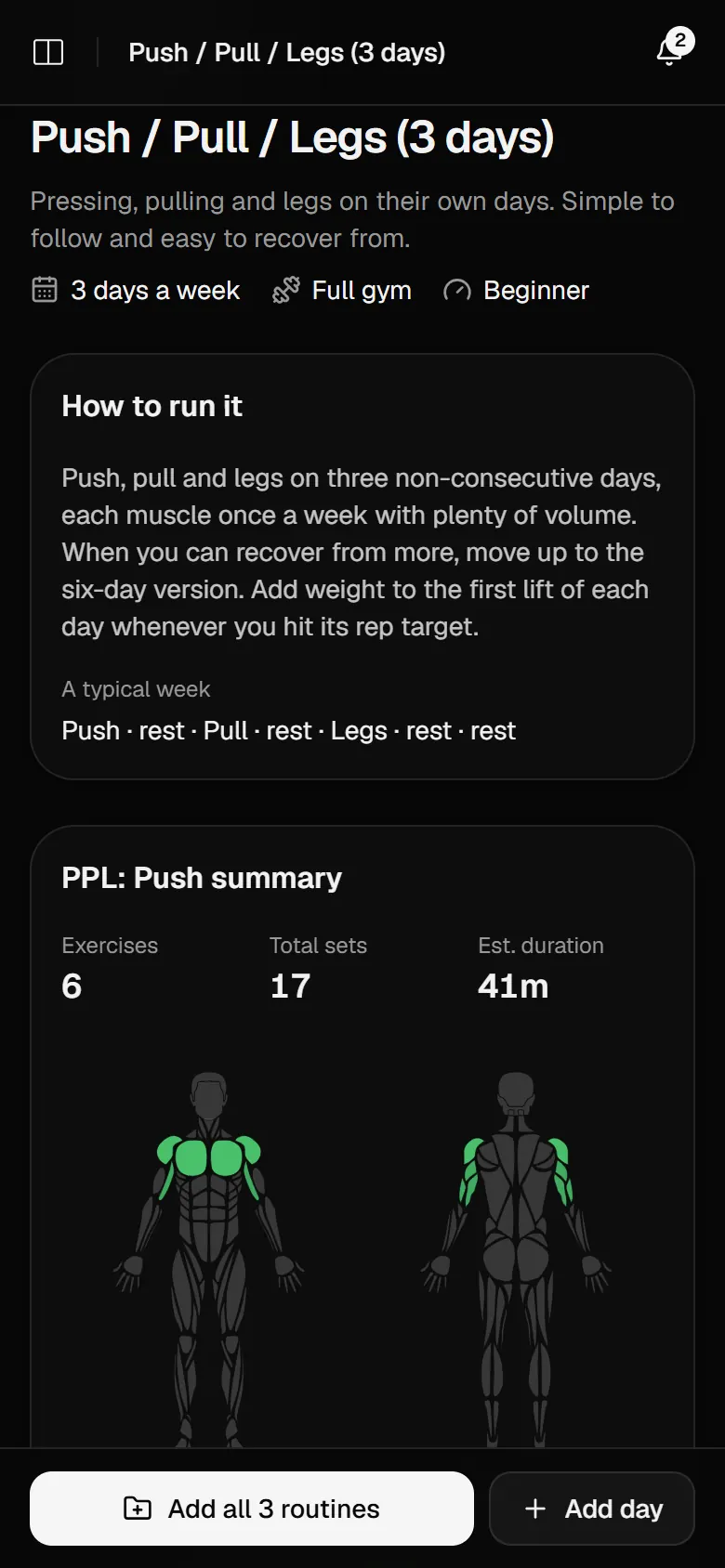
Beginner programs
Beginner Full Body, Machine Starter, Joint-Friendly Full Body, 5×5 Strength and more, filtered by level.
Last time, every set
No notebook: every set shows what you lifted the session before.
When to go heavier
Turn on auto progression and the weight goes up once you hit the top of your reps, not before.
A rest timer
It starts when you tick a set and beeps when it is time for the next one.
How to do it
Many exercises come with step-by-step instructions, plus the muscles they work.
A routine to stick to
Plan sessions on a calendar and keep a week streak going.
One less thing to work out.
A template tells you what to do each day: exercises, sets, rep ranges, rest and notes, and how to run the program week to week.
- Add the whole program, or one day
- Programs from 1 to 6 days a week
- Weights start blank, ready for yours
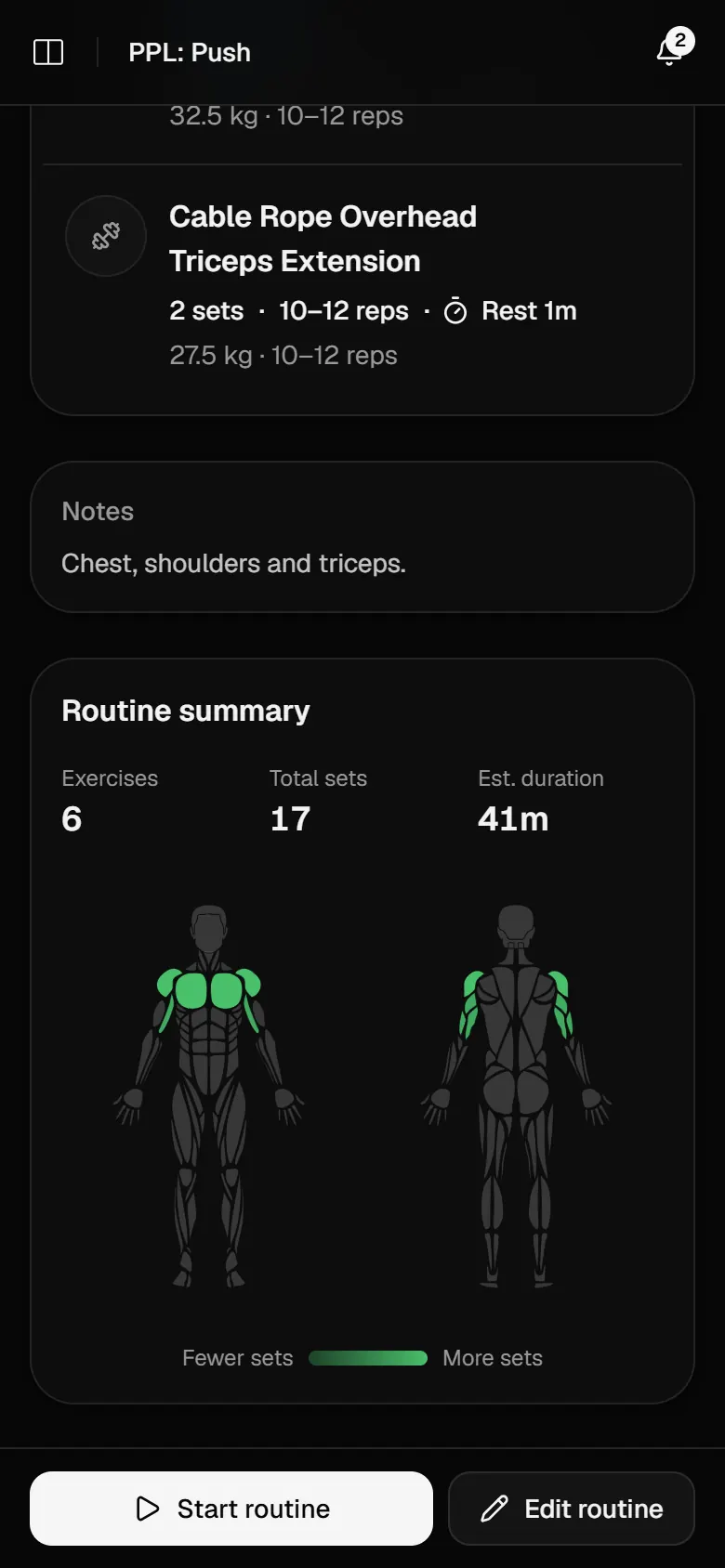
See the first months add up.
Early progress comes quickly. The recap after each workout points out new records, and the dashboard shows your volume climbing week by week.
- Records for heaviest weight and estimated one-rep max
- Volume, sets and time against the period before
- A week streak to keep going
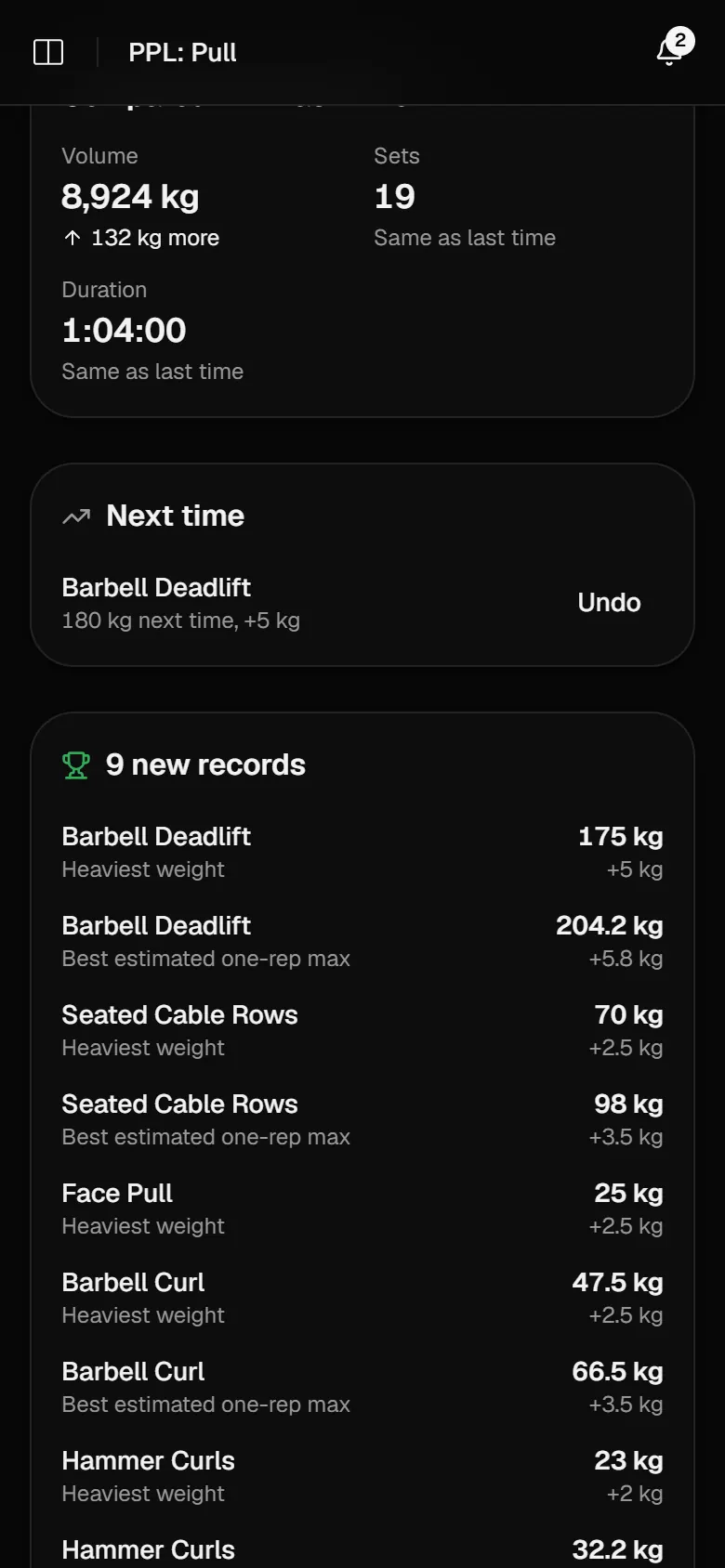
Train. Eat. Track.
Training, food and body in one place.
Log your training
- Follow a routine or start from nothing
- Last time's numbers beside every set
- Automatic progression and a rest timer
Eat to your targets
- Search, scan or pick a recent food
- Calories and macros worked out from your body and training
- Water against a daily goal
See what it adds up to
- Volume, streaks and top lifts against the period before
- Sets per muscle on a body map
- A bodyweight trend with a projected goal date
Frequently asked questions.
Which program is best for a beginner?
Beginner Full Body is a good default. Machine Starter suits a gym you are still learning your way around, and Joint-Friendly Full Body goes easier on joints.
What weight should I start with?
Template weights start blank. Pick something you can lift for every rep with good form; with auto progression on, the first session you log becomes the target.
Is Mezo free?
Yes, everything is free.

Start today.
Mezo is free. Sign in with your email and you are tracking in under a minute.
Get started