Training that remembers
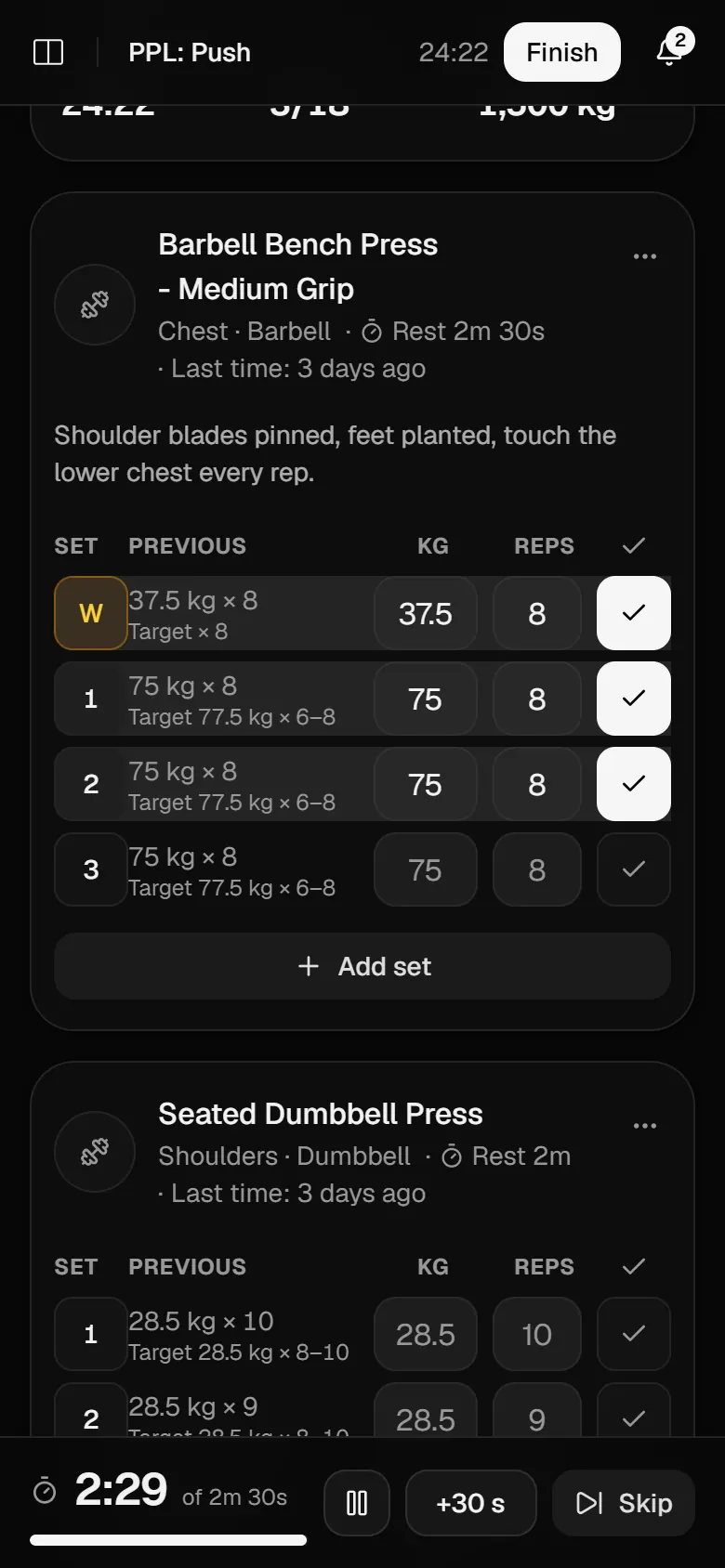
Last time’s weights sit next to today’s target, the rest timer starts itself, and routines add weight once you have earned it.
Start for freeYour workouts, meals and weight have been living in different apps. Mezo keeps them together.
Last time’s weights sit next to today’s target, the rest timer starts itself, and routines add weight once you have earned it.
Start for freeEvery set shows what you lifted last time next to what the routine asks for. Tick it off and the rest timer starts on its own.
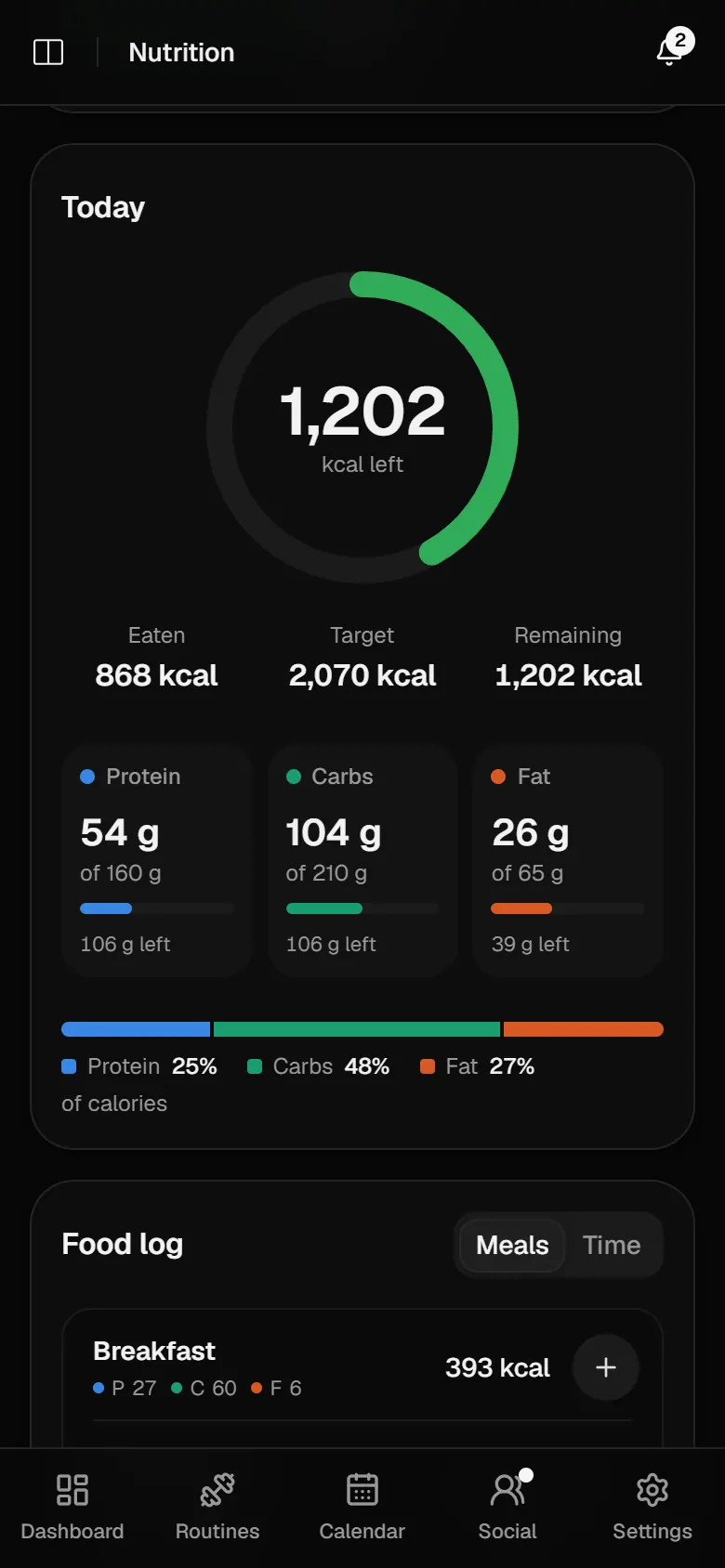
Search the food database, scan a barcode or log a recent meal again. Calories and macros count up against targets worked out from your body and your training.
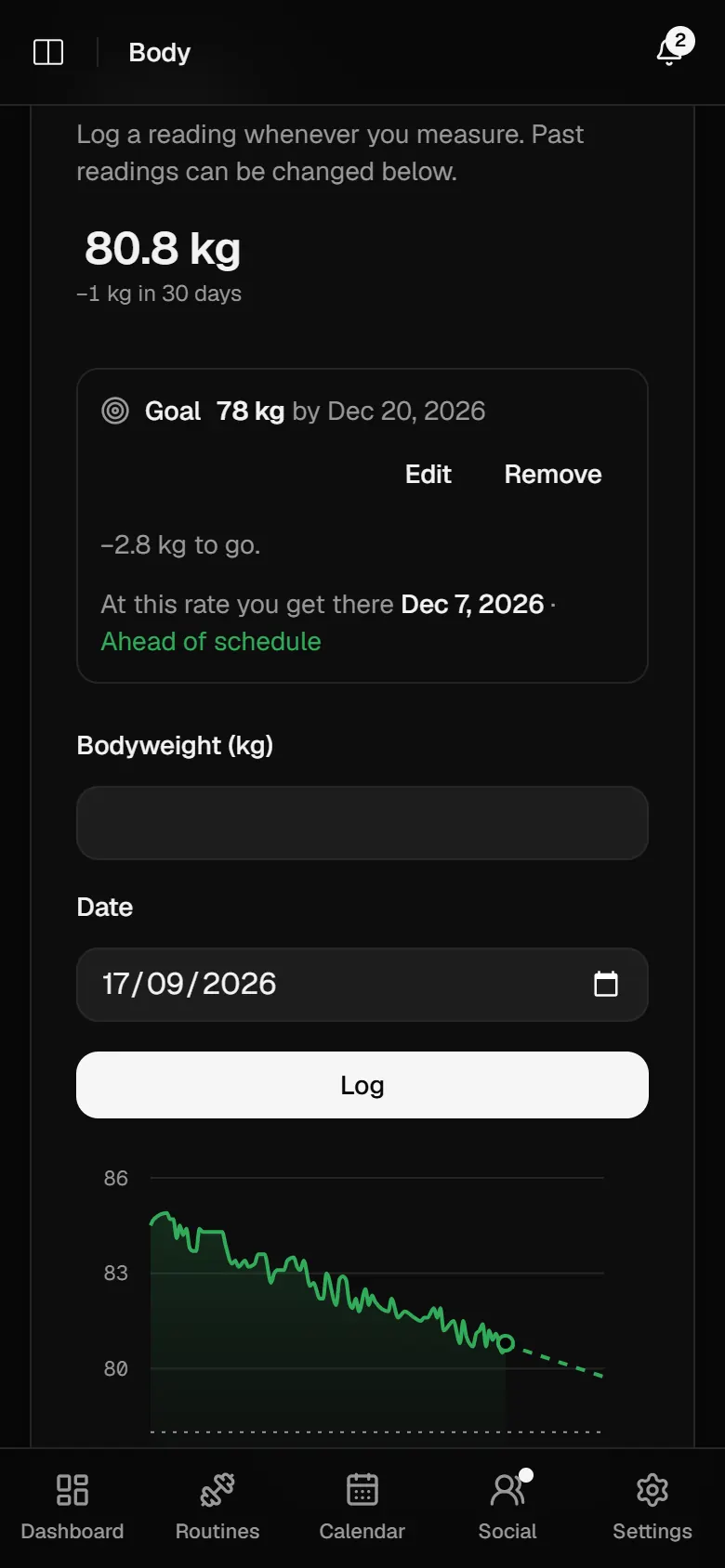
Weigh in whenever you like. Mezo fits a trend line through the last 90 days, projects when you reach your goal and tells you whether you are on track.
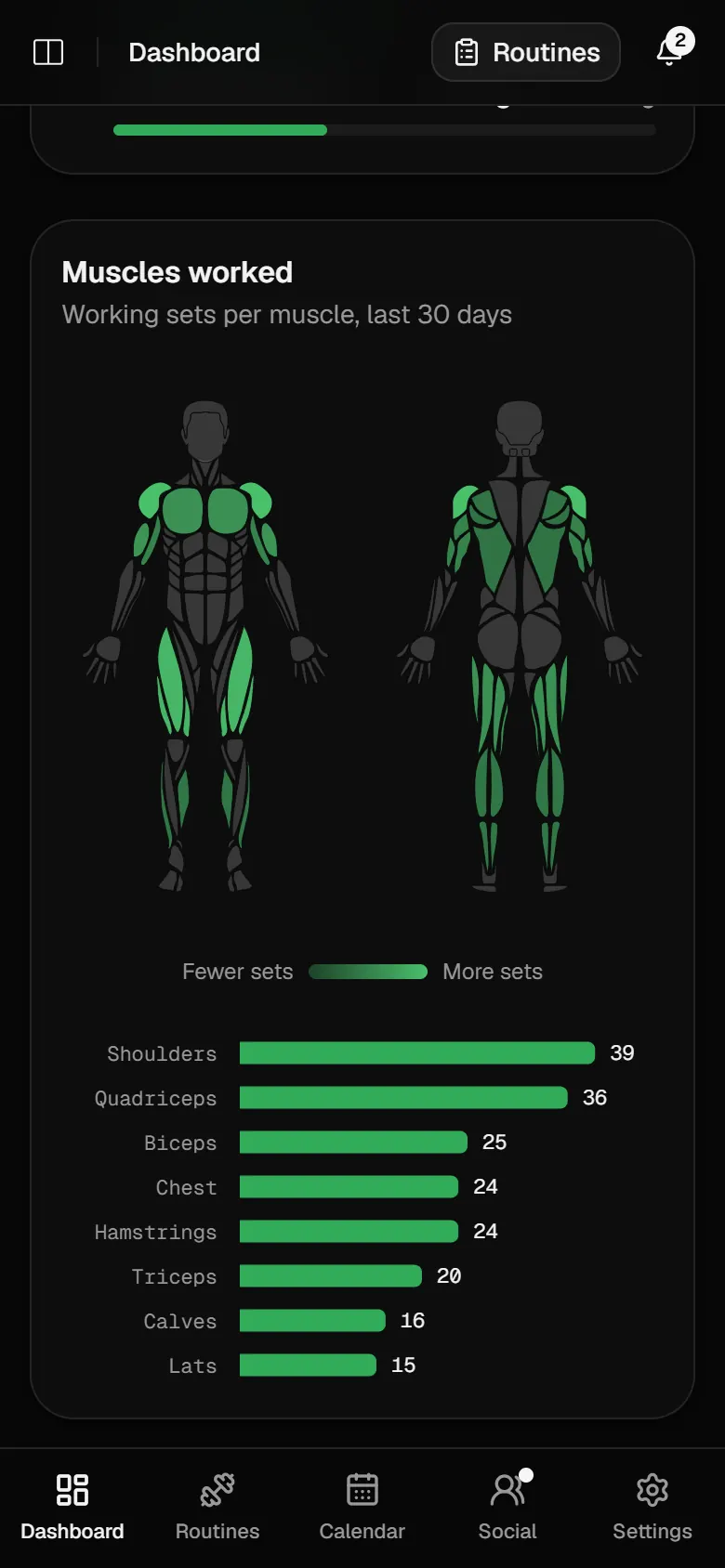
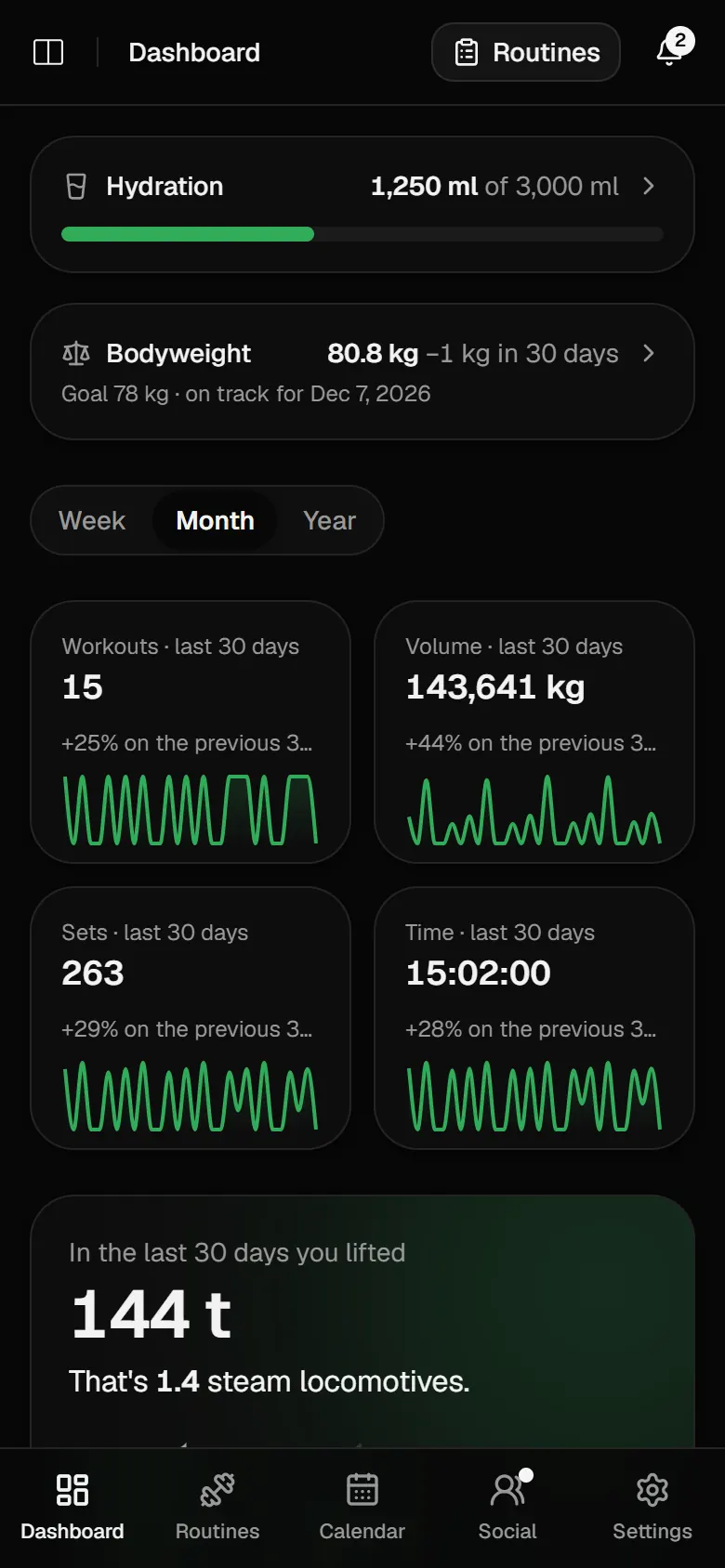
Streaks, volume, your strongest lifts and the muscles you have actually trained, on one dashboard. Sometimes measured in blue whales.
How it works
Mezo is built around a simple cycle you repeat every week. The app does the arithmetic; you do the reps.
Tell Mezo what you are working towards. It turns that into daily calorie, protein and training goals you can actually hit.
Meals at the table, sets at the rack, weight in the morning. A few seconds each, all in one app.
The dashboard sets each week, month or year against the one before, so you adjust with evidence rather than a feeling.
Anything else? Get in touch.
Yes. Everything is free, with no card and no trial. Mezo is a hobby project run by one person. If anything ever starts to cost money, you get at least 30 days' notice by email first.
Mezo stores what you log and uses it to run Mezo for you, nothing else. It is kept on servers in the European Economic Area. We do not sell it, show advertising or run third-party analytics. The privacy policy has the details.
Yes, from Settings. Deleting your account removes everything you logged at once, including your profile picture. Database backups are overwritten after thirty days.
Mezo runs in the browser on your phone as well as your computer, and every screen is built for phone width. The iOS and Android apps are not in the stores yet.
Claude, ChatGPT, Cursor and anything else that speaks MCP. Add Mezo as a remote MCP server and approve the connection on a Mezo page; there is no key to paste. An assistant can read and log for you, but it cannot change your email or sign-in, delete your account, or see anyone else's data.
With your email. We send you a one-time code, so there is no password to remember.
Email support@usemezo.app , or use the contact form. Say what you were doing and what you expected to happen.

Mezo is free. Sign in with your email and you are tracking in under a minute.
Get started